
The Solution to Archiving Websites
In the fast-paced digital age, preserving websites for future reference and historical significance is crucial. Archiving websites ensures that valuable information and content are not lost as technology evolves. However, archiving websites poses unique challenges due to the dynamic nature of web content.
Challenges in Archiving Websites
Websites often contain multimedia elements, interactive features, and dynamic content that traditional archiving methods struggle to capture accurately. Additionally, websites can be updated frequently, leading to version control issues in maintaining an archived copy.
The Solution: Web Archiving Tools
To address these challenges, web archiving tools have been developed to capture and preserve websites effectively. These tools utilize web crawling technology to systematically capture web pages, including text, images, videos, and scripts.
Web archiving tools also provide features for scheduling regular captures of websites to ensure that the archived copies remain up-to-date. Versioning capabilities allow users to track changes over time and access previous versions of a website.
Benefits of Web Archiving Tools
Web archiving tools offer several benefits for preserving websites:
- Comprehensive Capture: Capture entire websites or specific sections accurately.
- Searchable Archives: Index archived content for easy search and retrieval.
- Metadata Preservation: Maintain metadata associated with web pages for context.
- Long-Term Access: Ensure accessibility of archived websites for future generations.
Popular Web Archiving Tools
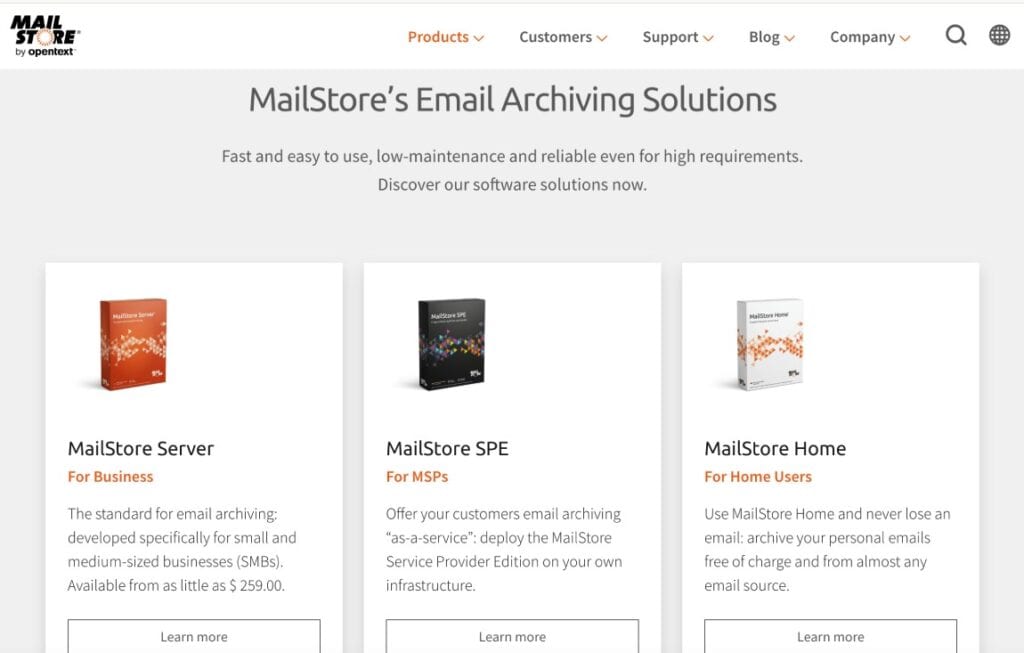
Some popular web archiving tools include:
Conclusion
In conclusion, web archiving tools provide a solution to effectively preserve and archive websites for future reference. By utilizing these tools, individuals and organizations can ensure that valuable online content is safeguarded against loss or obsolescence. Embracing web archiving technologies is essential in maintaining a comprehensive record of our digital history.
6 Essential Tips for Effectively Archiving Your Website
- Regularly backup website files and databases
- Use version control systems like Git to track changes
- Implement redirects for outdated URLs to maintain SEO
- Utilize archiving services like the Wayback Machine for historical snapshots
- Organize archived content in a systematic folder structure
- Document the archiving process for future reference
Regularly backup website files and databases
Regularly backing up website files and databases is a critical practice in ensuring the continuity and security of a website. By creating routine backups, website owners can safeguard against data loss due to unforeseen events such as server crashes, hacking attempts, or accidental deletions. These backups serve as a safety net, allowing for the swift restoration of a website to a previous state in case of emergencies. Implementing a robust backup strategy not only protects valuable content and information but also provides peace of mind knowing that the website’s data is securely stored and easily recoverable when needed.
Use version control systems like Git to track changes
Utilizing version control systems such as Git to track changes is a valuable tip in the solution to archiving websites. By implementing Git, website owners can maintain a detailed history of modifications made to their site over time, allowing for easy access to previous versions and facilitating effective management of updates. This approach not only enhances the organization’s ability to monitor and control changes but also ensures the integrity and accuracy of archived website content for future reference and preservation.
Implement redirects for outdated URLs to maintain SEO
Implementing redirects for outdated URLs is a crucial aspect of maintaining SEO (Search Engine Optimization) when archiving websites. By setting up proper redirects, users who access old URLs will be automatically directed to the corresponding new or updated pages, ensuring a seamless browsing experience. Additionally, search engines will be able to recognize the changes and preserve the link equity associated with the original URLs, preventing any negative impact on the website’s SEO ranking. Properly managing redirects not only enhances user satisfaction but also helps maintain the website’s visibility and credibility in search engine results.
Utilize archiving services like the Wayback Machine for historical snapshots
Utilizing archiving services like the Wayback Machine for historical snapshots is a valuable tip in preserving websites for posterity. The Wayback Machine, operated by the Internet Archive, offers a vast collection of archived web pages dating back to the early days of the internet. By leveraging this service, users can access historical snapshots of websites, track their evolution over time, and explore digital content that may no longer be available online. Incorporating the Wayback Machine into web archiving strategies enhances the comprehensiveness and accessibility of archived materials, ensuring that valuable online resources are preserved for future generations to study and appreciate.
Organize archived content in a systematic folder structure
Organizing archived content in a systematic folder structure is a key tip for efficient web archiving. By categorizing and structuring archived files in a logical manner, users can easily navigate and locate specific web pages or resources within the archive. A well-organized folder structure not only enhances accessibility but also facilitates future maintenance and updates to the archive. This approach ensures that archived content remains coherent, searchable, and manageable over time, enabling users to retrieve valuable information swiftly and effectively from the web archive.
Document the archiving process for future reference
Documenting the archiving process for future reference is a critical tip in ensuring the integrity and transparency of archived websites. By documenting each step taken during the archiving process, including the tools used, capture settings, and any challenges encountered, organizations can create a roadmap for future archiving efforts. This documentation not only serves as a valuable resource for troubleshooting and quality assurance but also provides insights for improving and refining the archiving process over time. Additionally, documenting the archiving process enhances accountability and allows others to replicate or build upon the work done, promoting collaboration and knowledge sharing in the field of web archiving.
