
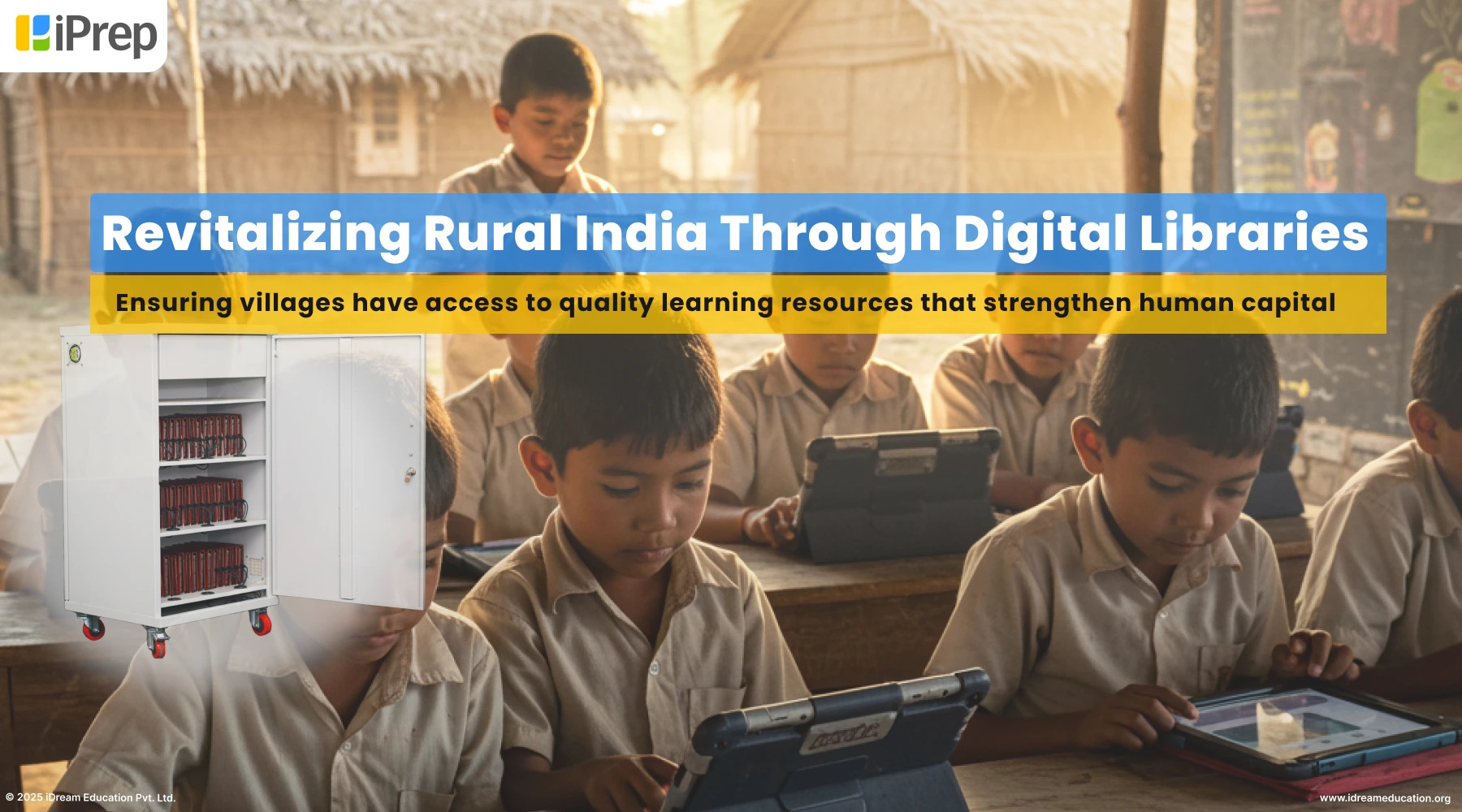
Offline Digital Library: Bridging the Gap Between Technology and Accessibility
In a world where digital information is increasingly prevalent, the concept of an offline digital library may seem paradoxical. However, this innovative approach to preserving and disseminating knowledge is revolutionizing access to information in areas with limited internet connectivity or unreliable infrastructure.
An offline digital library functions much like its online counterpart but operates independently of the internet. Users can access a vast repository of digital resources such as e-books, articles, videos, and educational materials without requiring a constant internet connection. This accessibility is particularly valuable in remote regions, developing countries, or areas affected by natural disasters where internet access may be scarce or intermittent.
One of the key advantages of an offline digital library is its ability to bridge the digital divide by providing equitable access to educational resources. By storing content locally on devices like servers, hard drives, or portable drives, individuals in underserved communities can benefit from a wealth of information without being hindered by connectivity issues.
Furthermore, offline digital libraries offer enhanced data security and privacy protection compared to online platforms. Users can navigate through curated collections of content without concerns about data breaches or surveillance, fostering a safe and trusted learning environment.
Implementing an offline digital library requires strategic planning and investment in technology infrastructure. Organizations and institutions dedicated to promoting education and literacy are spearheading initiatives to develop offline libraries tailored to specific community needs.
As we continue to embrace the digital age, the emergence of offline digital libraries represents a promising step towards democratizing access to knowledge worldwide. By harnessing technology to overcome barriers to information accessibility, we can empower individuals from all walks of life to learn, grow, and thrive in an increasingly interconnected world.
5 Essential Tips for Managing Your Offline Digital Library
- Download ebooks or articles in advance for offline reading.
- Organize your digital library by creating folders or categories.
- Make sure to regularly back up your offline digital library to prevent data loss.
- Consider using a dedicated e-reader or tablet for a better offline reading experience.
- Utilize apps that allow you to annotate and highlight texts in your offline digital library.
Download ebooks or articles in advance for offline reading.
To make the most of an offline digital library, it is advisable to download ebooks or articles in advance for offline reading. By proactively saving digital content onto your device, you can access and enjoy a wide range of resources even without an internet connection. This practice ensures that you have a curated selection of reading materials readily available at your fingertips, making learning and exploration convenient and uninterrupted. Whether you are preparing for a journey or simply seeking uninterrupted study time, downloading ebooks or articles in advance is a practical tip that maximizes the benefits of offline digital libraries.
Organize your digital library by creating folders or categories.
To maximize the efficiency and usability of your offline digital library, it is essential to organize your digital resources by creating folders or categories. By structuring your content in a logical and intuitive manner, you can easily locate specific items, navigate through collections, and maintain a clear overview of your library’s contents. Whether grouping materials by subject matter, genre, author, or any other relevant criteria, establishing a systematic organization system ensures that users can access information swiftly and effectively, enhancing the overall user experience of your offline digital library.
Make sure to regularly back up your offline digital library to prevent data loss.
Regularly backing up your offline digital library is essential to safeguarding against potential data loss. By creating duplicate copies of your digital resources and storing them in secure locations, you can mitigate the risk of losing valuable information due to hardware failures, theft, or other unforeseen circumstances. Implementing a robust backup strategy ensures that your offline library remains resilient and accessible, preserving the knowledge and content for future generations to explore and enjoy.
Consider using a dedicated e-reader or tablet for a better offline reading experience.
Consider using a dedicated e-reader or tablet for a better offline reading experience when accessing an offline digital library. These devices are specifically designed to provide a comfortable and immersive reading experience, allowing users to enjoy digital content without the distractions of notifications or other apps. With features like adjustable lighting, long battery life, and easy navigation, a dedicated e-reader or tablet can enhance your offline reading sessions and make exploring the wealth of knowledge in the digital library even more enjoyable and convenient.
Utilize apps that allow you to annotate and highlight texts in your offline digital library.
When building your offline digital library, consider utilizing apps that enable you to annotate and highlight texts. These tools enhance your reading experience by allowing you to mark important passages, jot down notes, and organize your thoughts directly within the digital content. By incorporating annotation and highlighting features into your offline library apps, you can personalize your reading experience, deepen your understanding of the material, and easily revisit key insights even when offline.
