
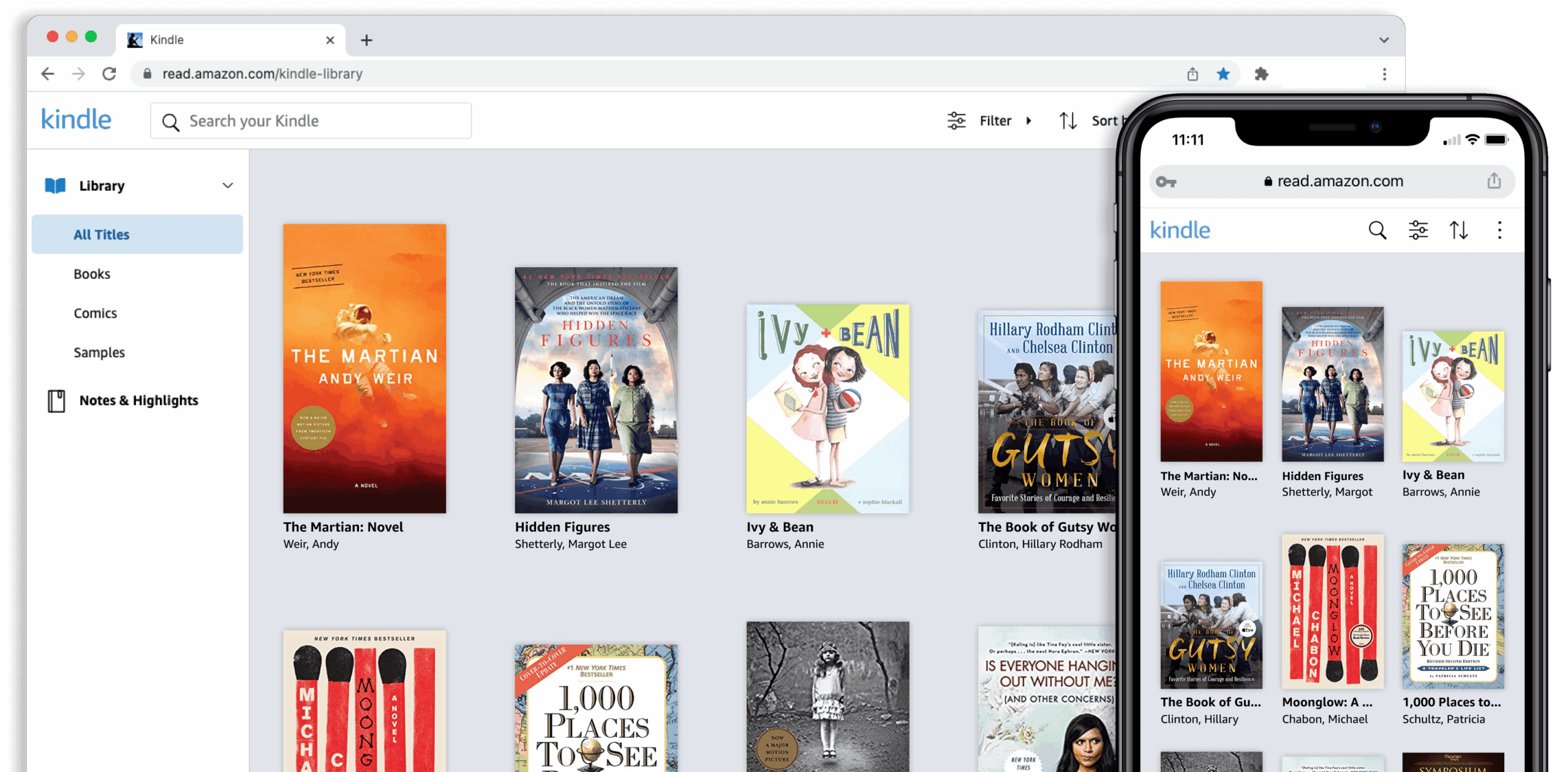
The Convenience of Accessing Library E-Books on Kindle
In today’s digital age, e-books have revolutionized the way we read and access information. With the rise of e-readers like Kindle, readers can carry an entire library with them wherever they go. What’s even more convenient is the ability to borrow e-books from your local library and read them on your Kindle device.
Many public libraries now offer a wide selection of e-books that patrons can borrow for a specified period. This service not only promotes reading but also eliminates the need to physically visit the library to check out books. With just a few clicks, users can browse through a virtual collection, select their desired titles, and have them delivered directly to their Kindle devices.
One of the key advantages of accessing library e-books on Kindle is the seamless integration between the two platforms. Amazon’s partnership with libraries allows for easy borrowing and downloading of e-books without any additional software or complicated processes. Readers can enjoy their favorite titles in digital format without having to purchase them individually.
Moreover, borrowing library e-books on Kindle is a cost-effective way to explore new authors, genres, and topics without breaking the bank. It promotes literacy and encourages reading habits among individuals who may not have access to physical books or prefer the convenience of digital reading.
Whether you’re a voracious reader or someone looking to dive into the world of digital books, accessing library e-books on Kindle offers a plethora of benefits. It combines the convenience of technology with the wealth of knowledge found in library collections, making reading more accessible and enjoyable for all.
So next time you’re looking for your next literary adventure, consider exploring your local library’s e-book offerings for Kindle. It’s a gateway to endless reading possibilities right at your fingertips.
5 Essential Tips for Enjoying Library E-Books on Your Kindle
- Ensure your Kindle is connected to Wi-Fi to download library e-books.
- Use the OverDrive or Libby app to easily borrow and read library e-books on Kindle.
- Remember that some libraries may have a limited number of copies for popular e-books, so be prepared to wait in a queue.
- Check the lending period for each e-book borrowed from the library, as they will automatically be returned once the loan period expires.
- Consider adjusting font size and screen brightness on your Kindle for a more comfortable reading experience with library e-books.
Ensure your Kindle is connected to Wi-Fi to download library e-books.
To maximize your experience of borrowing library e-books on Kindle, it is essential to ensure that your device is connected to a Wi-Fi network. By connecting your Kindle to Wi-Fi, you can seamlessly download and access a wide range of e-books from your local library’s digital collection. This simple step guarantees a smooth and efficient process, allowing you to enjoy your favorite reads without any interruptions. So, before diving into the world of library e-books on Kindle, make sure your device is connected to Wi-Fi for a hassle-free reading experience.
Use the OverDrive or Libby app to easily borrow and read library e-books on Kindle.
To simplify the process of borrowing and reading library e-books on Kindle, utilizing the OverDrive or Libby app is highly recommended. These user-friendly applications streamline the borrowing experience by allowing users to browse, borrow, and download e-books directly to their Kindle devices with ease. By leveraging the features of OverDrive or Libby, readers can access a vast selection of digital titles from their local library and enjoy them seamlessly on their Kindle, enhancing the overall reading experience.
Remember that some libraries may have a limited number of copies for popular e-books, so be prepared to wait in a queue.
When borrowing library e-books on Kindle, it’s important to keep in mind that popular titles may have a limited number of copies available. This means that you might find yourself in a queue waiting for your turn to access the e-book. Patience is key in such situations, as the wait time can vary depending on the demand for a particular title. By understanding and accepting this aspect of borrowing library e-books, readers can better appreciate the value of accessing a wide range of digital content through their local library’s offerings.
Check the lending period for each e-book borrowed from the library, as they will automatically be returned once the loan period expires.
When borrowing e-books from the library to read on your Kindle device, it’s essential to check the lending period for each title. Most library e-books have a specified loan period, after which they are automatically returned. By being aware of the loan duration, readers can enjoy their chosen e-books without worrying about overdue fines or manual returns. This tip ensures a seamless reading experience and allows users to make the most of their borrowed e-books within the allotted time frame.
Consider adjusting font size and screen brightness on your Kindle for a more comfortable reading experience with library e-books.
When accessing library e-books on your Kindle, it’s beneficial to consider adjusting the font size and screen brightness settings to enhance your reading experience. By customizing the font size to your preference, you can make the text more readable and reduce eye strain. Additionally, optimizing the screen brightness ensures a comfortable level of illumination for prolonged reading sessions. These simple adjustments not only personalize your reading experience but also contribute to a more enjoyable and immersive journey through the digital pages of library e-books on your Kindle.
